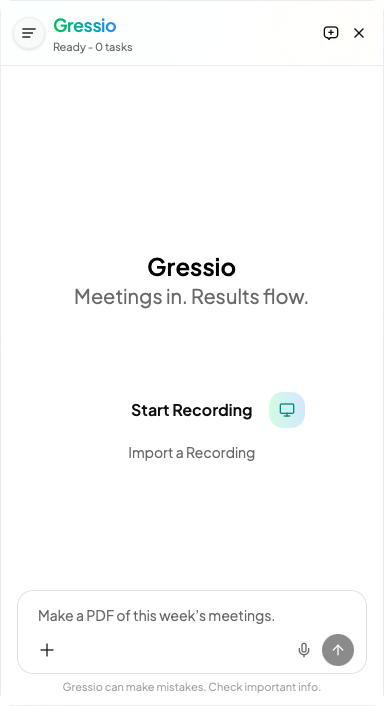
Meetings in.
Results flow.
Gressio transcribes your meetings in real time, turns them into to-dos, and edits your Word, Excel and PowerPoint documents for you.
Professional-level meeting summaries: from conversation to completed work.
Product glossary.docx
48 KB · Example
Team roster.xlsx
22 KB · Example
Q3 roadmap.pdf
1.2 MB · Example
1Context files
Reference files teach Gressio your names, technical terms and industry jargon.
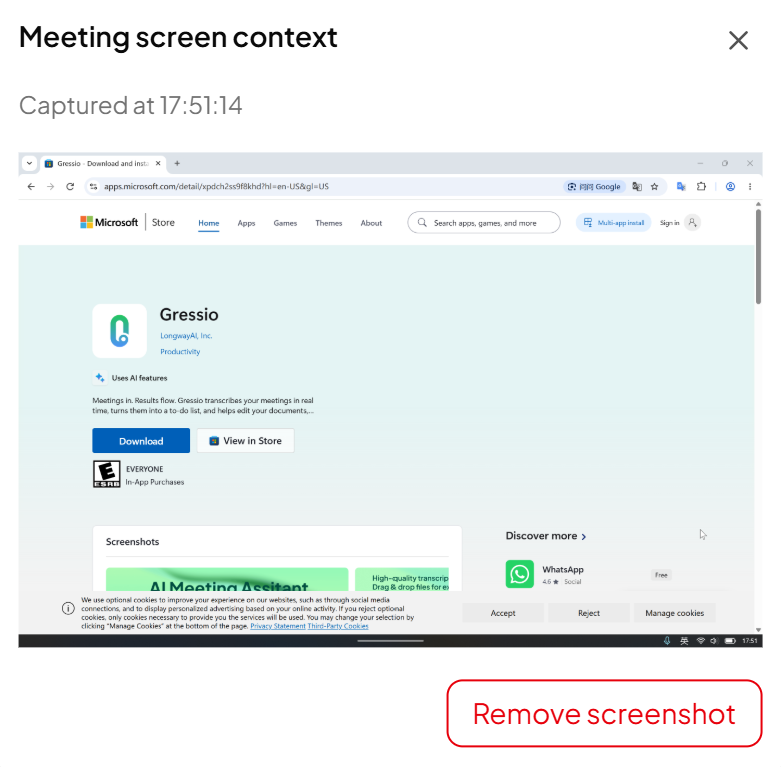
2AI screenshots
When someone says “look at this”, Gressio captures the screen and adds it to the meeting.
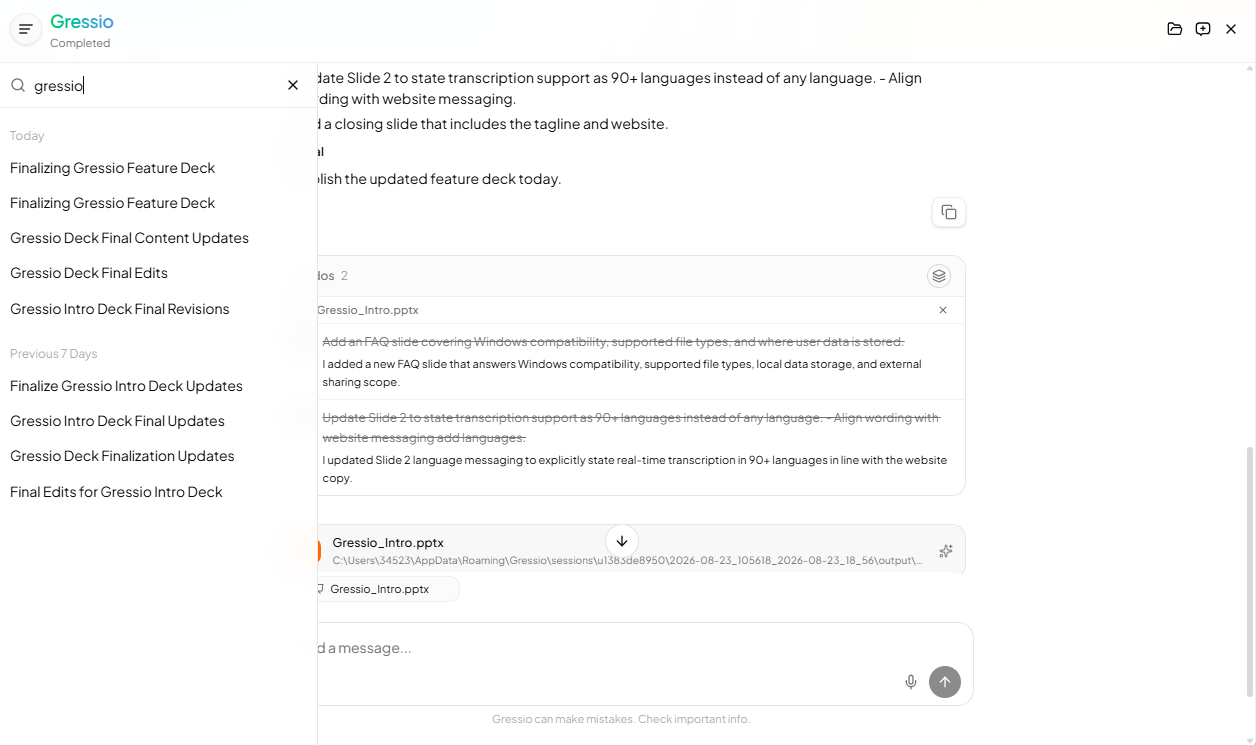
3Memory
Past sessions give Gressio more to work with, so each meeting builds on the last.
The result
| Capability | Typical meeting app | Gressio |
|---|---|---|
| Reference files for names, terms and jargon | — | |
| Automatic screenshots when the conversation refers to the screen | — | |
| Edits Word, Excel, PowerPoint, PDF and code files, with a backup first | — | |
| Hands tasks off to ChatGPT or Claude desktop | — | |
| System-level audio that works with any meeting app | — |
How it works
Three steps, one meeting.
Teams, Zoom, Google Meet or in person, in 90+ languages, with every speaker labelled live.
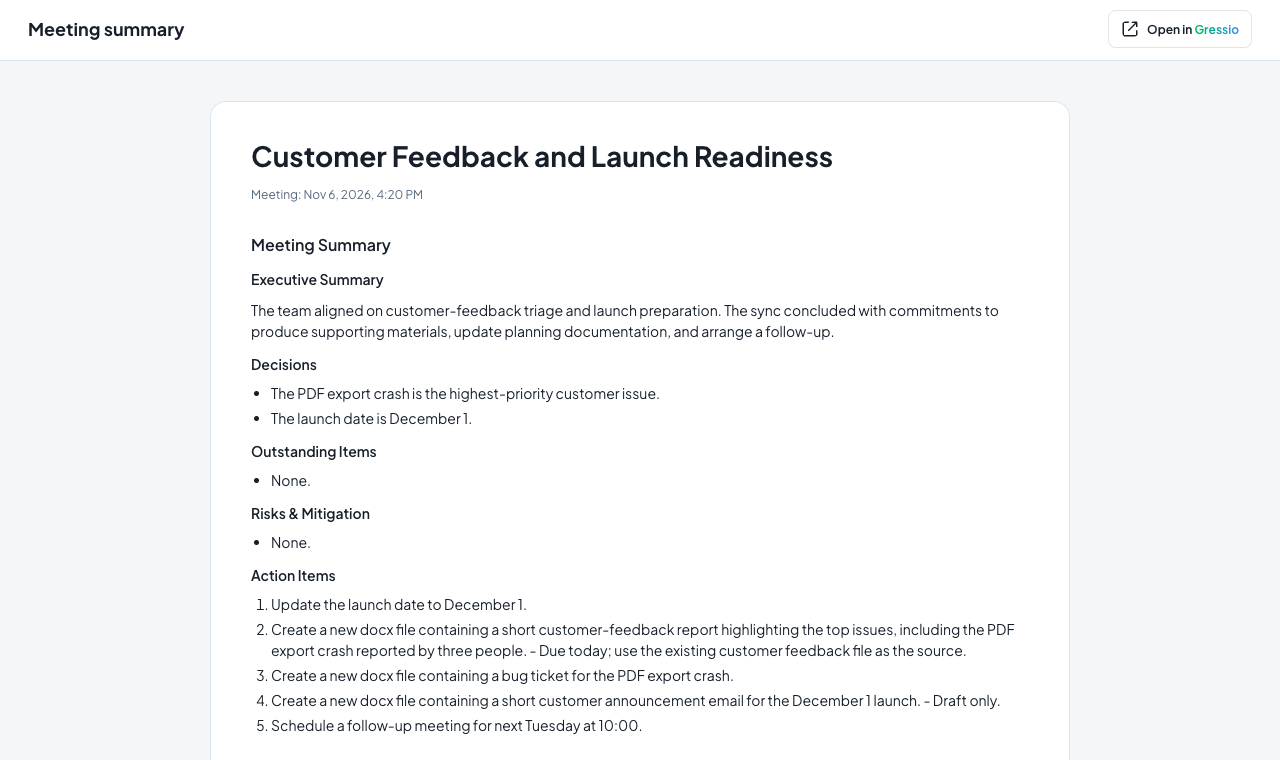
The summary lands when the meeting ends, and every decision becomes a to-do you can review.
Approve a to-do and Gressio makes the change in the file for you. Prefer another assistant? Hand the task off instead.
Everything else you expect.
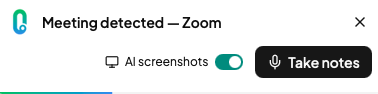
Meeting detection
Transcription starts when Gressio spots a meeting.
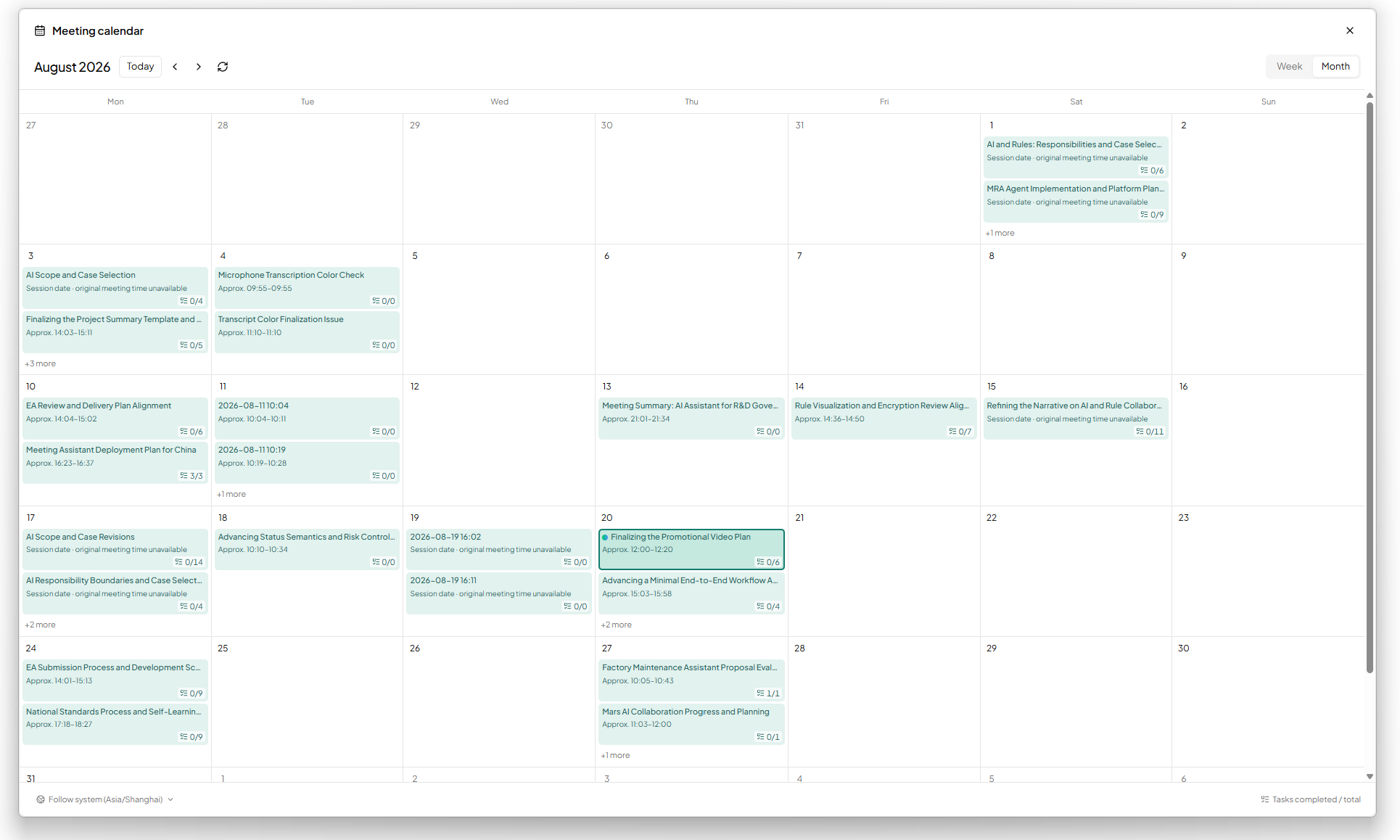
Calendar
Browse past meetings by month.
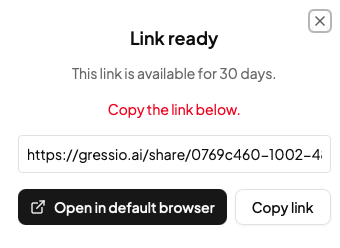
Share links
Send a summary and transcript as a web link.
Privacy